

OriginPro 2021 Installation

Installing OriginPro 2021: A Power Tool for Graphing and Data Analysis

Origin Origin is a scientific data analysis and graphing software developed by OriginLab that is widely used across various scientific fields. The previous section explained how to obtain a genuine copy of Origin. However, for those without an educational email address, it can be difficult to use a free, genuine version of Origin. Today, we’ll show you how to permanently install and use OriginPro 2021.
Step 1: Install OriginPro 2021
See the end of this post for the OriginPro 2021 (64-bit) download link. Note: Please exit any third-party antivirus software or security programs before installation to prevent the crack files from being automatically deleted. Supported operating systems: Windows 7, 8, 8.1, 10, and 11 (32-bit and 64-bit).
Once you've downloaded the compressed file "OriginPro 2021.zip," extract it to a folder.
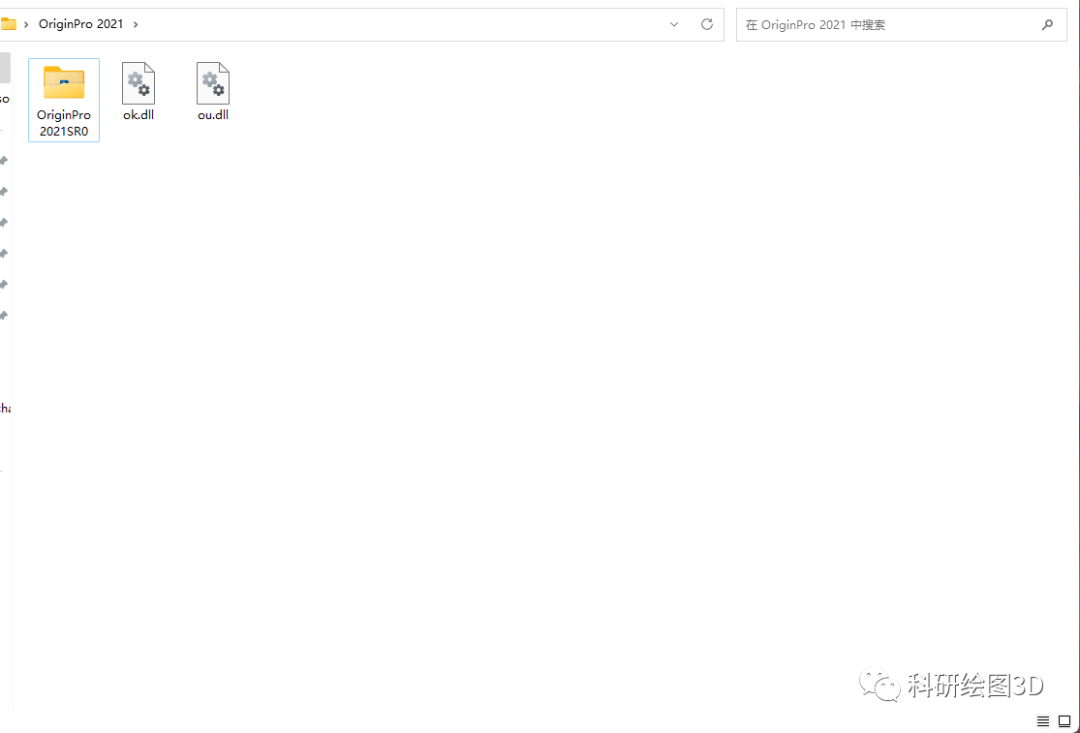
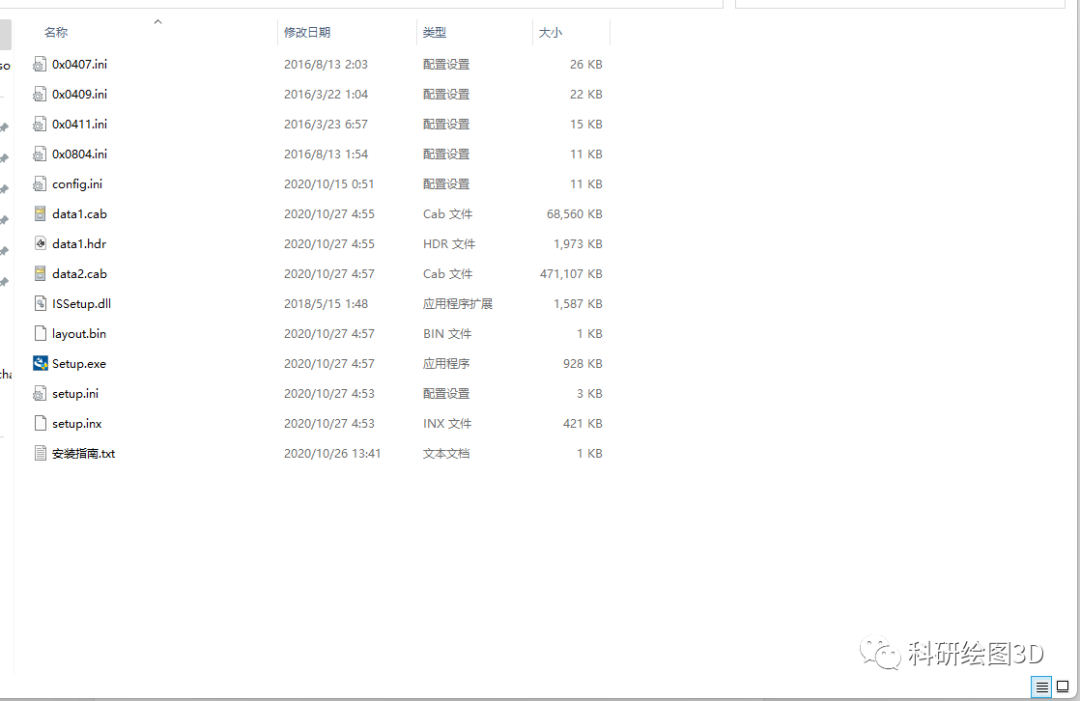
After opening the OriginPro2021SR0 folder, double-click Setup.exe to begin the installation.
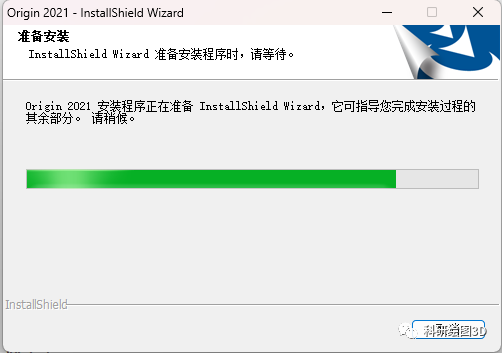
Installation in progress.
Click Next.
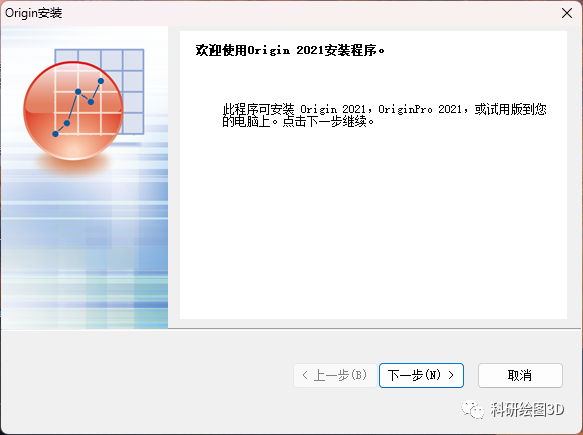
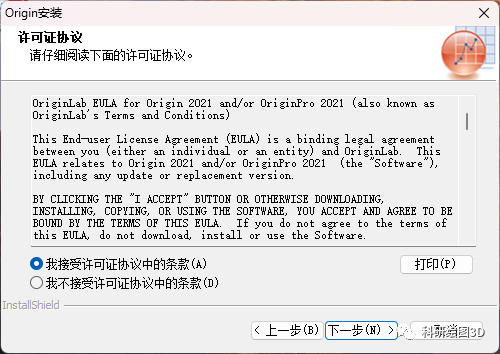
Accept the terms and click Next.
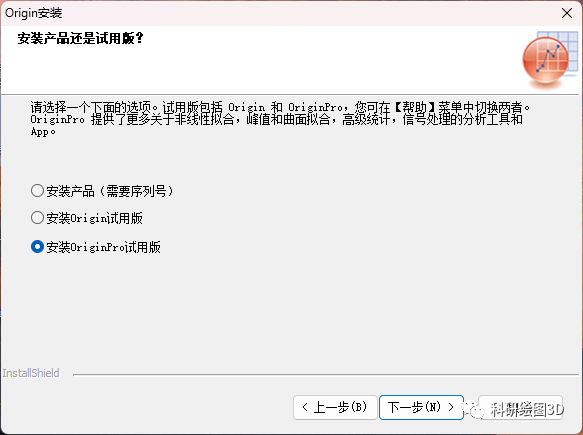
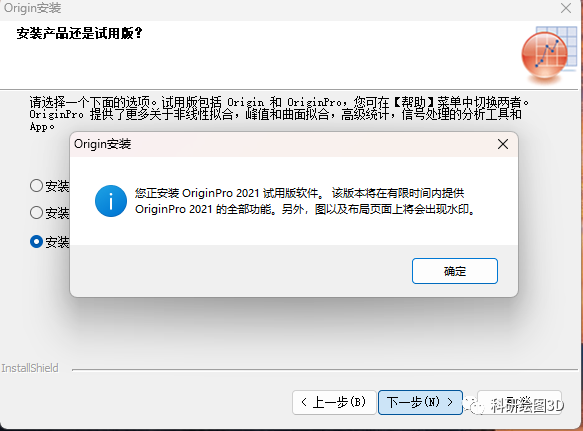
Select the OriginPro trial version to install, then click Next.
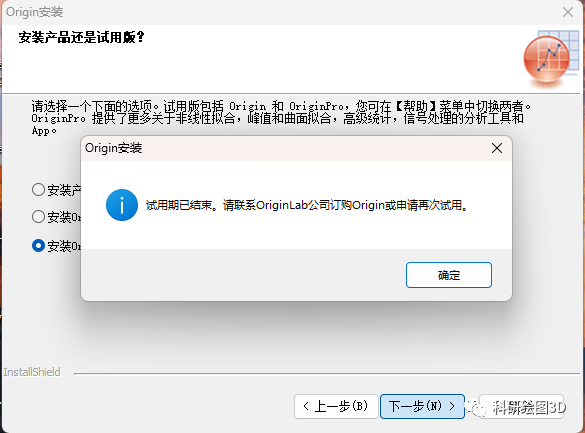
During installation, a message may appear stating that the trial period has expired. In this case, you'll need to adjust the date and time.
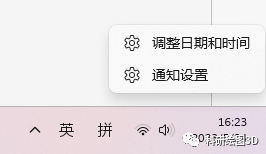
Right-click the bottom-right corner of the screen, then select "Adjust Date and Time."
Turn off automatic time setting and switch to manual time setting
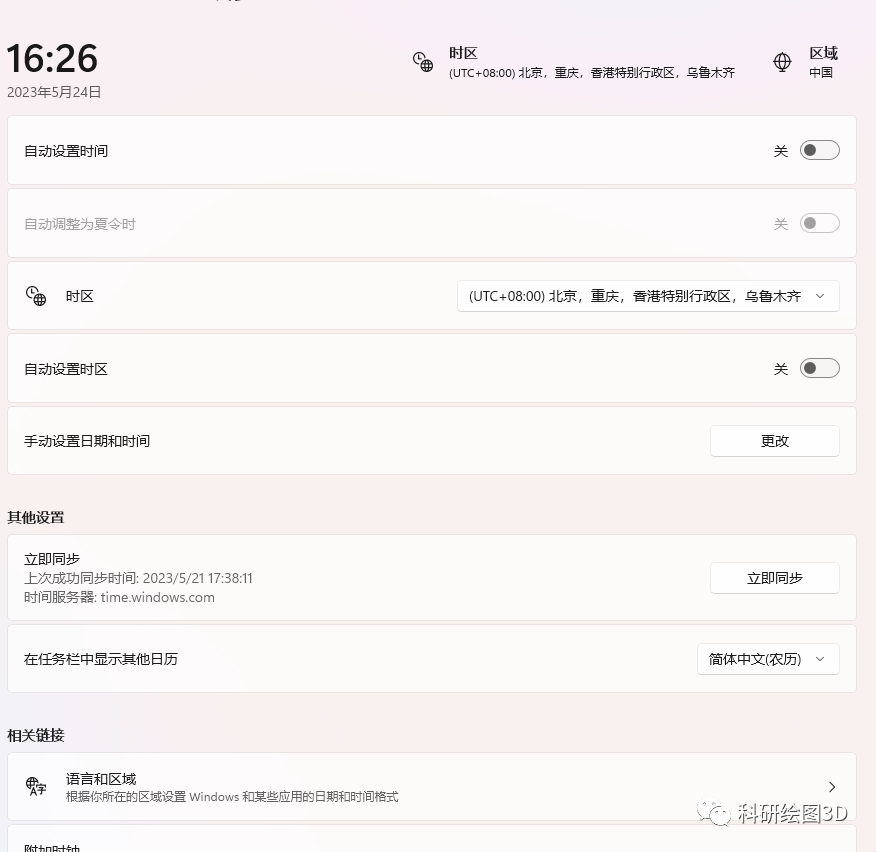
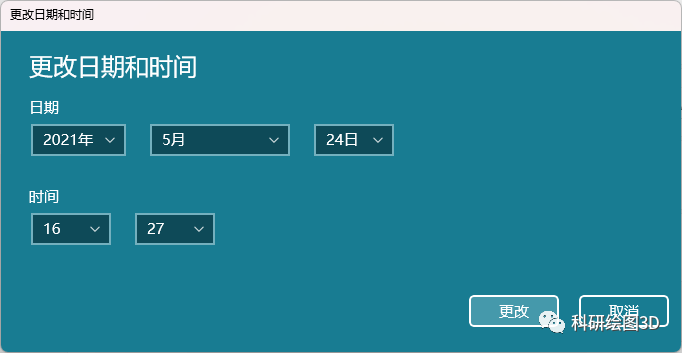
Manually change the date to a time before September 2022—for example, set it to May 24, 2021. Once you've made the change, you can continue with the installation. After installing the software, simply reset the date to the correct one.
Click OK.
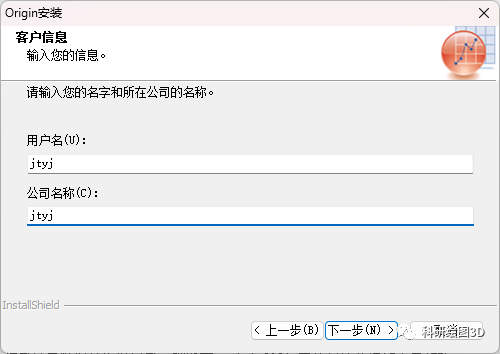
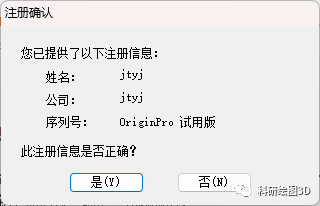
Enter any username and company name, then click "Next."
Click "Yes."
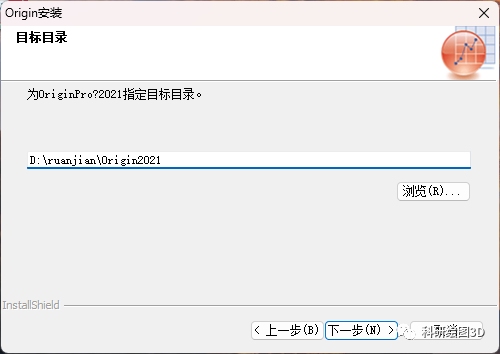
Set the installation directory for the software—it’s best to choose a location other than Drive C—and click Next.
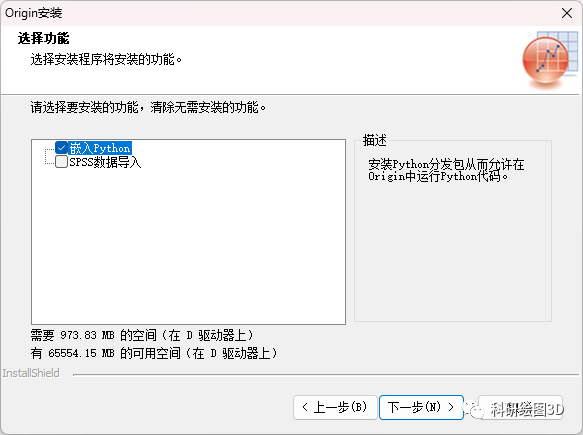
Continue by clicking "Next" repeatedly to complete the installation.
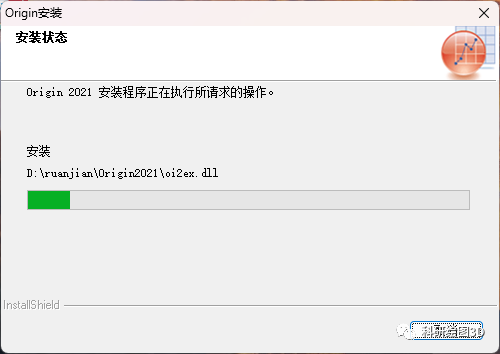
Installing...
Installation Complete
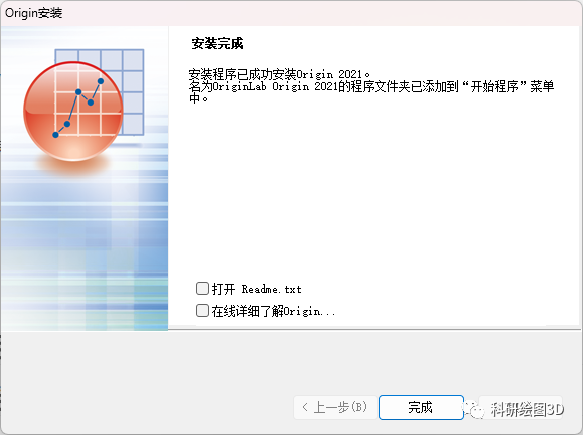
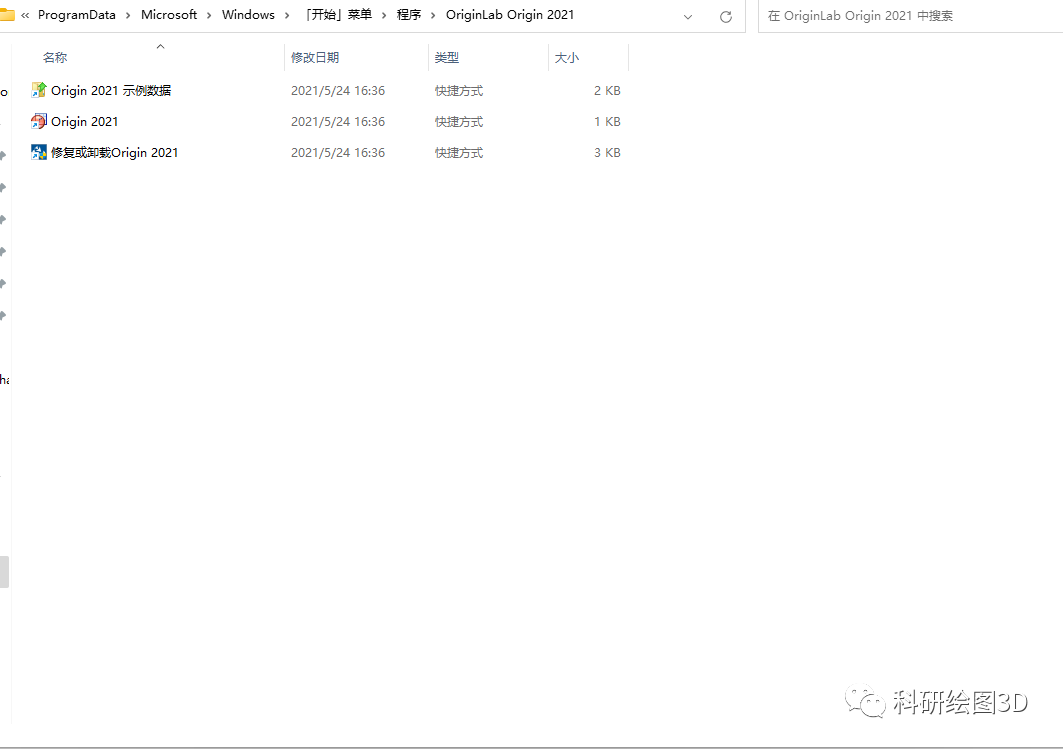
Once complete, the software's installation folder will appear.Don't open the software yet, and don't close this folder.. Next, we need to perform the cracking operation.
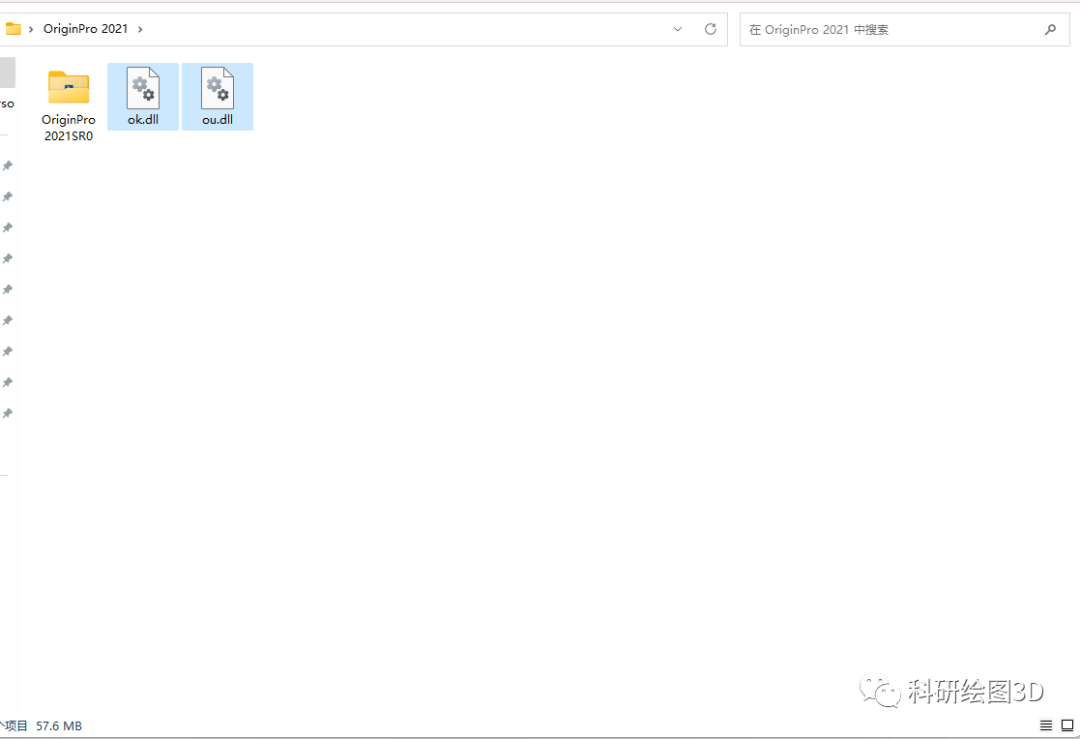
Go back to the folder you extracted earlier,Select and copy ok.dll and ou.dll。
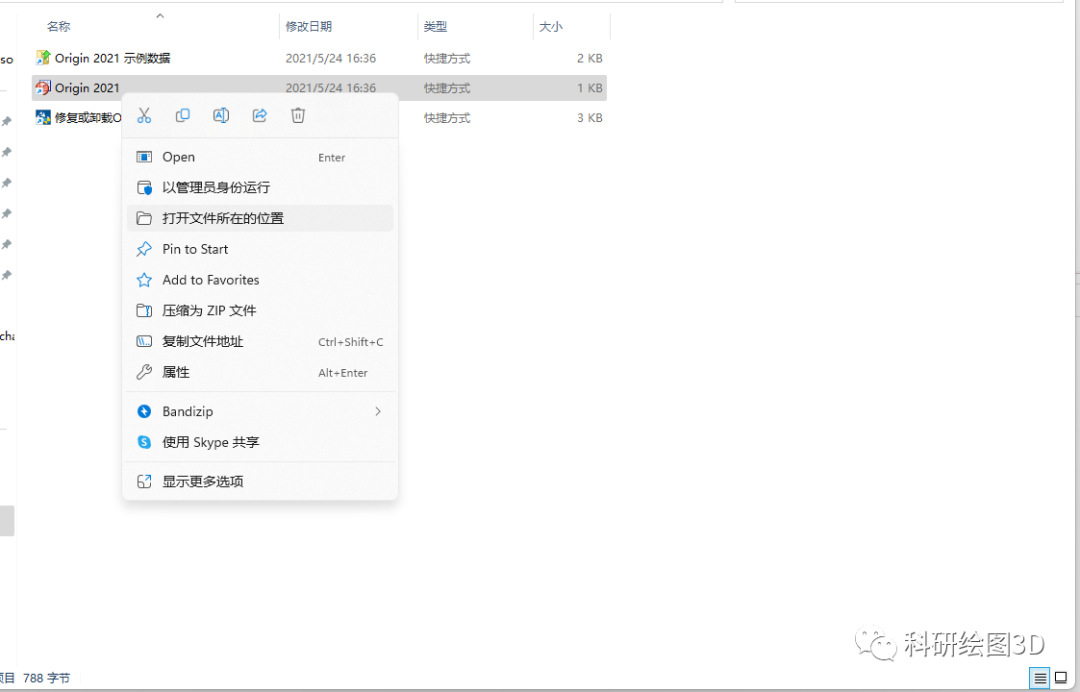
From the software's installation folder, navigate to the location where the Origin 2021 files are stored.
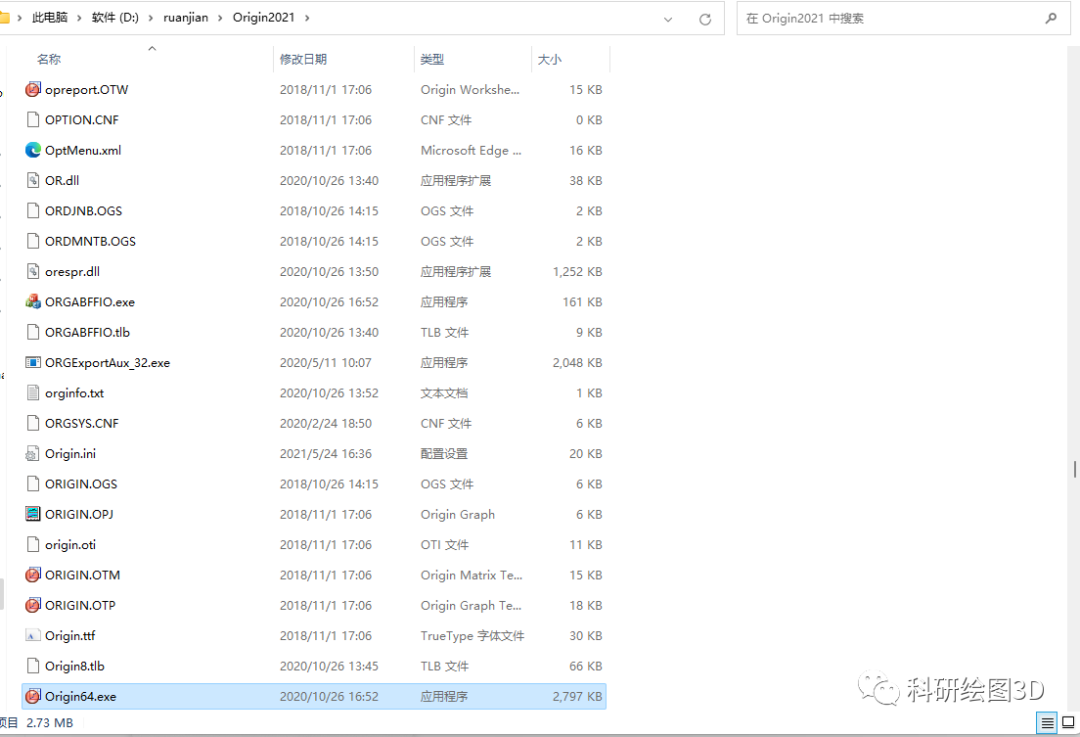
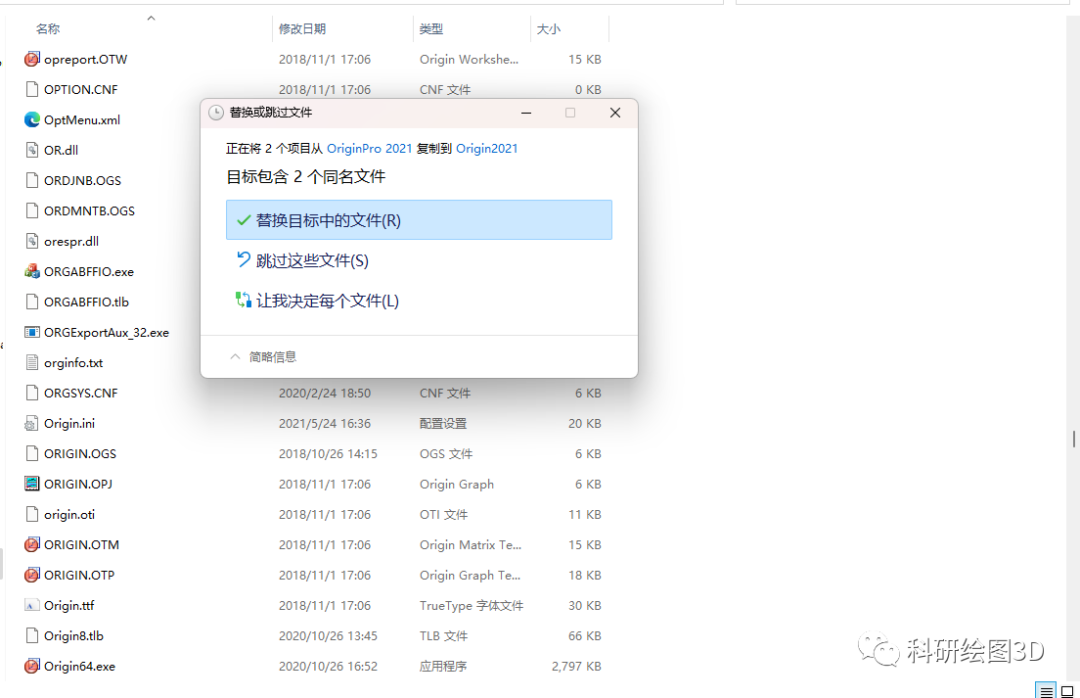
Paste the copied ok.dll and ou.dll files into the folder, and select "Replace the files in the destination."
At this point, you should be able to use OriginPro 2021 normally. Click "OK" to open the software.
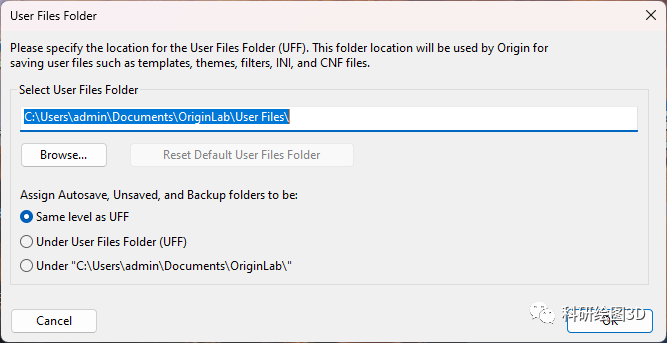
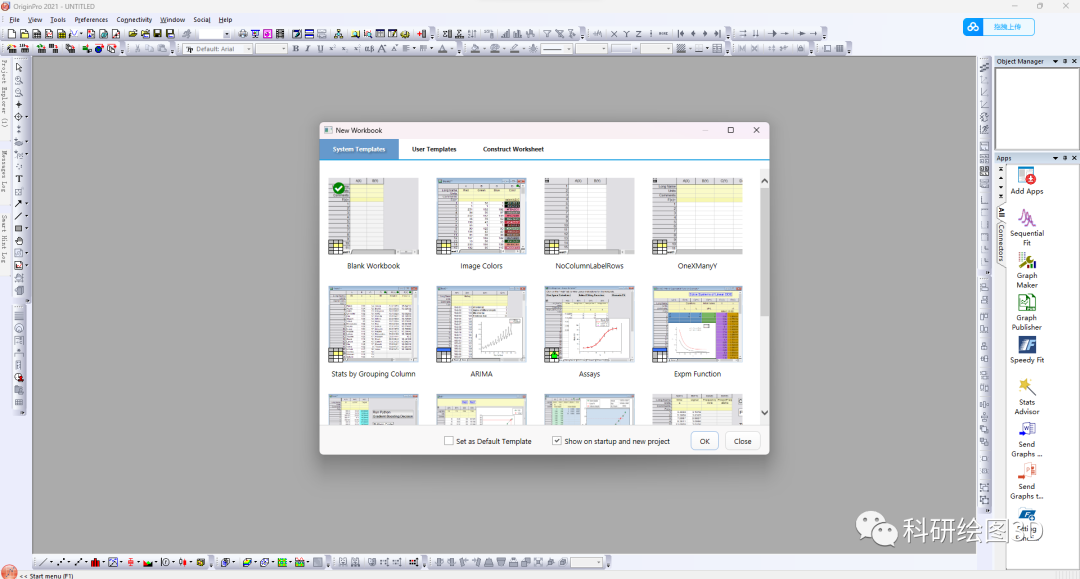
Step 2: Change the OriginPro 2021 interface to Chinese
The default language in Origin is English, and it supports Chinese display. Press W+R on your keyboard to open the Run dialog.
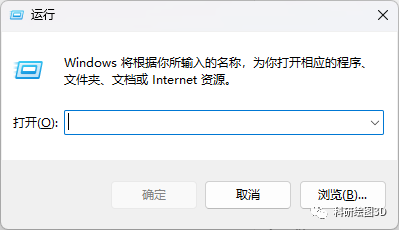
Type "regedit" and click OK. The Registry Editor will open.
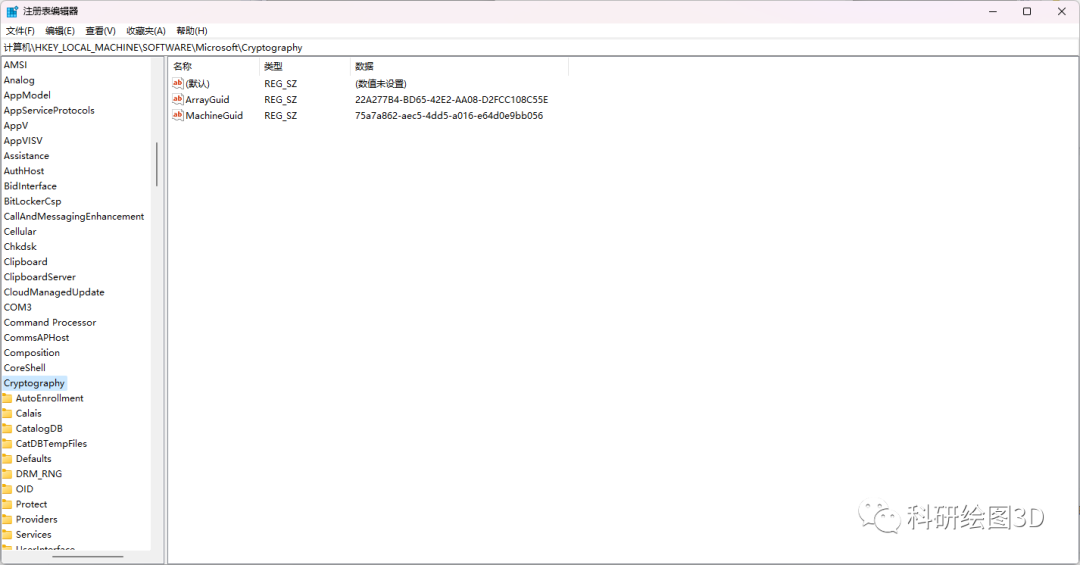
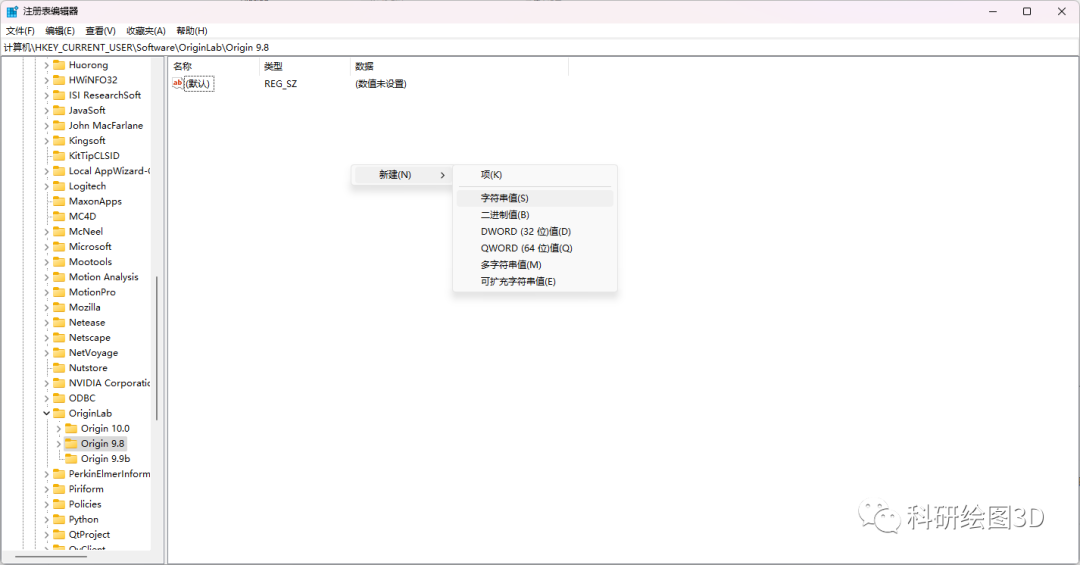
In the Table of Contents:Computer\HKEY_CURRENT_USER\Software\OriginLab\Origin 9.8Next, right-click in the blank space and create a new string value.
Set the value name to "Language" and the value to "C," then click OK.
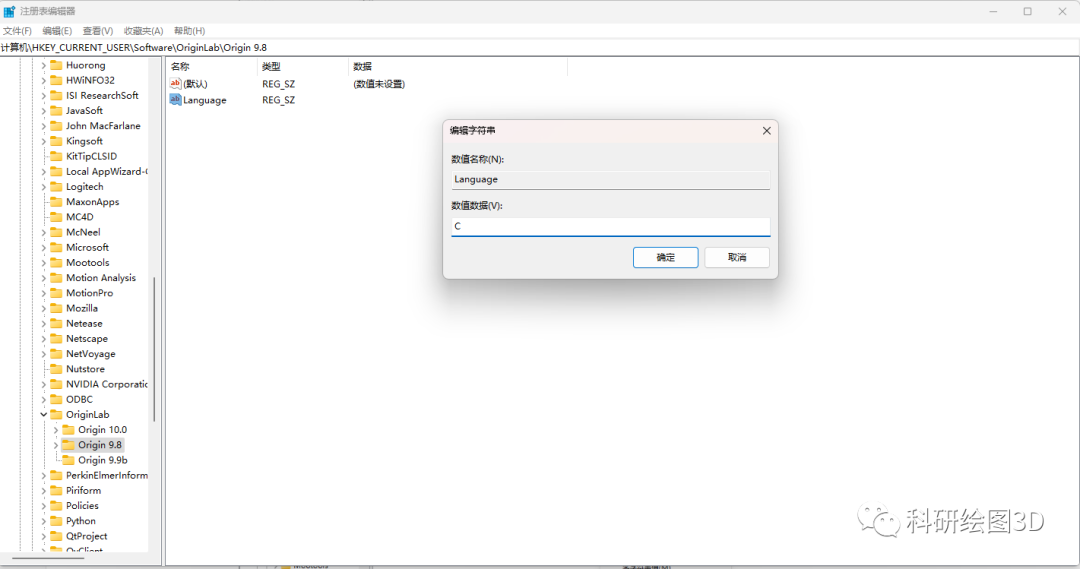
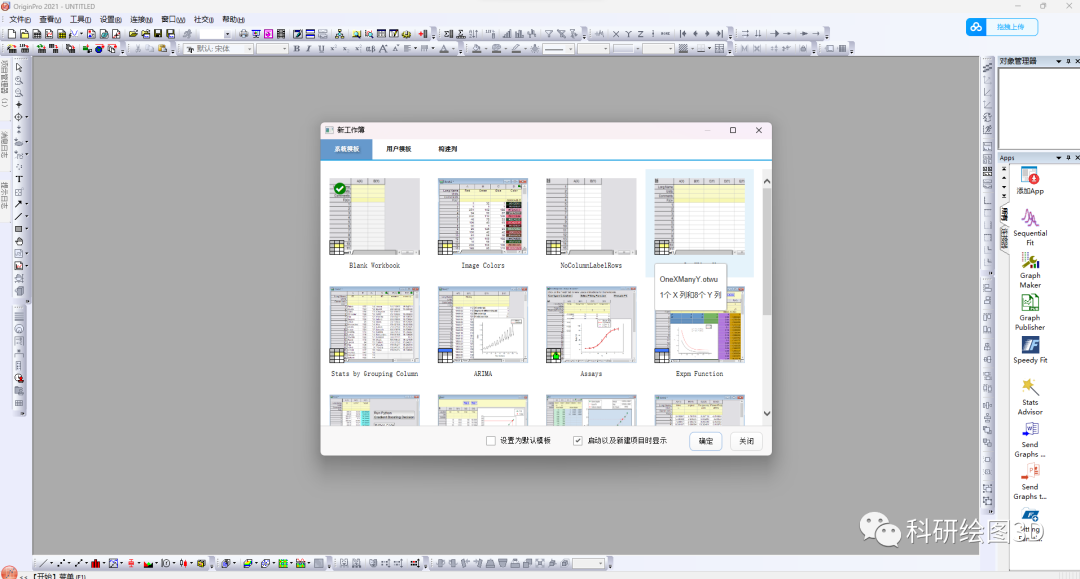
Once the settings are configured, restart OriginPro 2021, and the software interface will switch to Chinese.
OriginPro 2021 Download Links
Origin is a powerful data analysis and graphing tool; whether you're a researcher or a data analysis enthusiast, you'll find the tools and features that suit your needs.
This resource is shared for personal study only; please do not use it for any commercial purposes. Thank you!
This blog will continue to share more useful research resources. We hope you’ll keep following us—thank you!
The materials are packaged and stored in the cloud drive.OriginPro 2021 Cloud storage download link:
You need to log in to view the full content