

Table of contents
Hide
Genuine Origin software installation

In-depth Understanding of Origin Plotting Software: A Powerful Tool for Scientific Researchers in Plotting and Data Analysis
Origin, developed by the American company OriginLab, is a professional scientific data analysis and graphing software that has become an essential tool for researchers in data processing and result presentation.
Why choose Origin?
In scientific research, data analysis and plotting are indispensable parts. With its powerful features and flexible operability, Origin has won the favor of researchers at large.
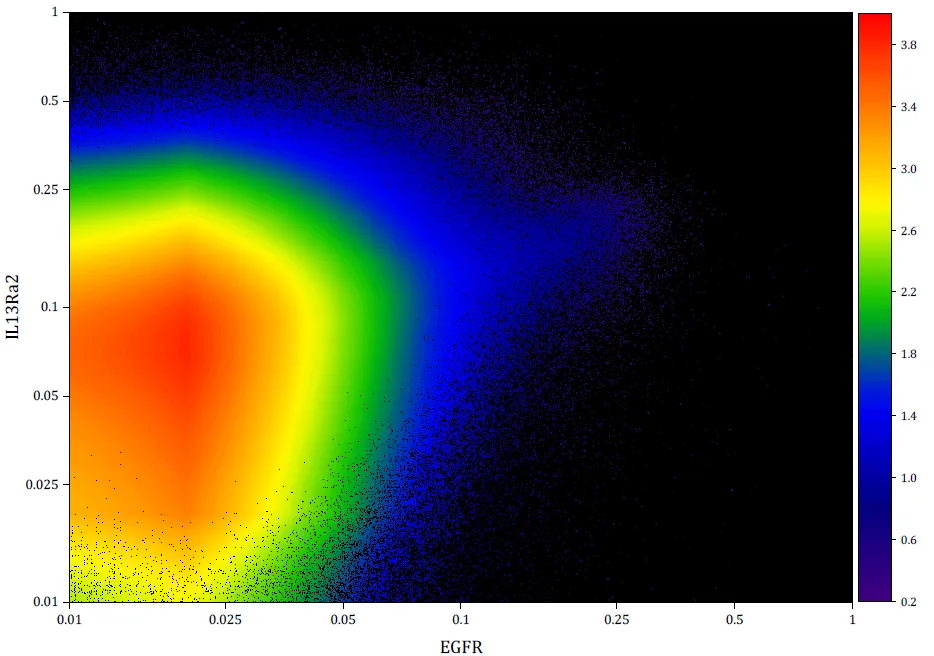
Powerful
Origin provides a rich set of data analysis tools, including but not limited to statistics, signal processing, curve fitting, and peak analysis. Whether it is simple data statistics or complex multi-parameter fitting, Origin can handle it with ease.
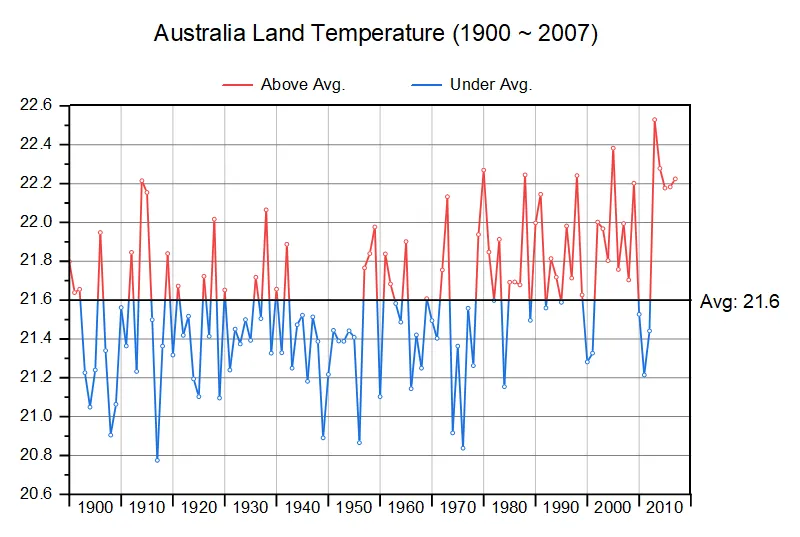
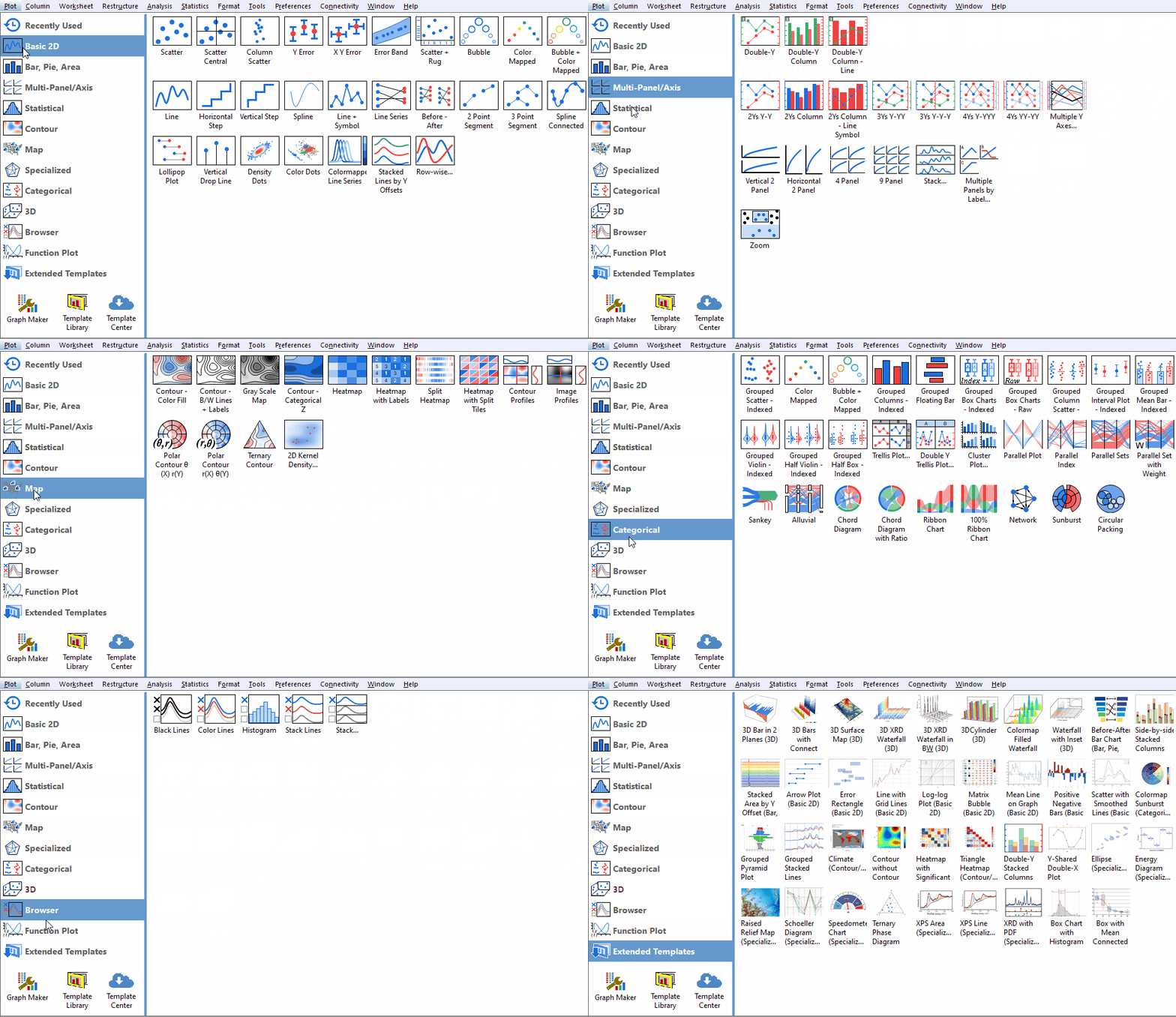
High-quality charts
Origin supports a wide variety of 2D and 3D chart types, ranging from basic scatter plots and histograms to complex 3D surface plots, covering almost all scientific plotting needs. Moreover, the graphics generated by Origin are in vector format, maintaining clarity at any scale and facilitating later editing and modification.

data processing
Origin can easily handle big data with millions of rows, supporting various data cleaning, transformation, and sorting functions. At the same time, Origin also provides many built-in mathematical functions and formulas to conveniently perform complex data calculations.
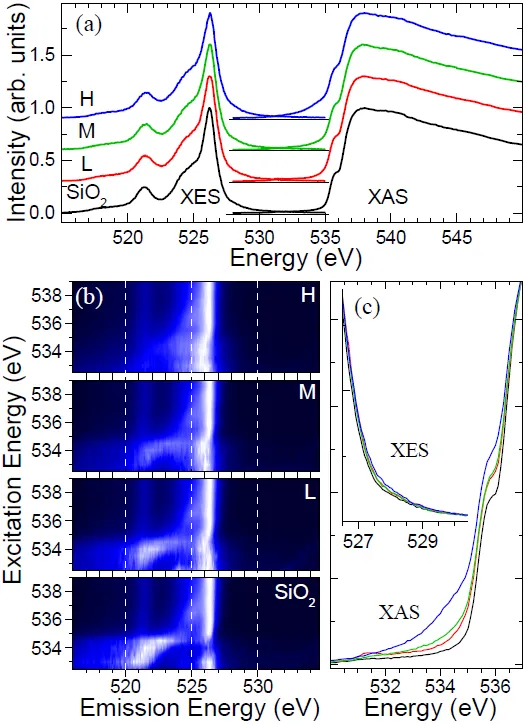
Batch processing
Origin features powerful batch processing capabilities, allowing for batch plotting, analysis, and reporting, which greatly improves the efficiency of scientific research.

How to download legitimate Origin
Despite Origin's powerful features, the genuine software requires payment to use. This article takes the official Origin 2023 version as an example; as long as you have oneYou can apply for free use with an educational email.Origin offers an educational license, allowing teachers and students to apply using their educational email addresses. Below are the steps to apply for the Origin software.
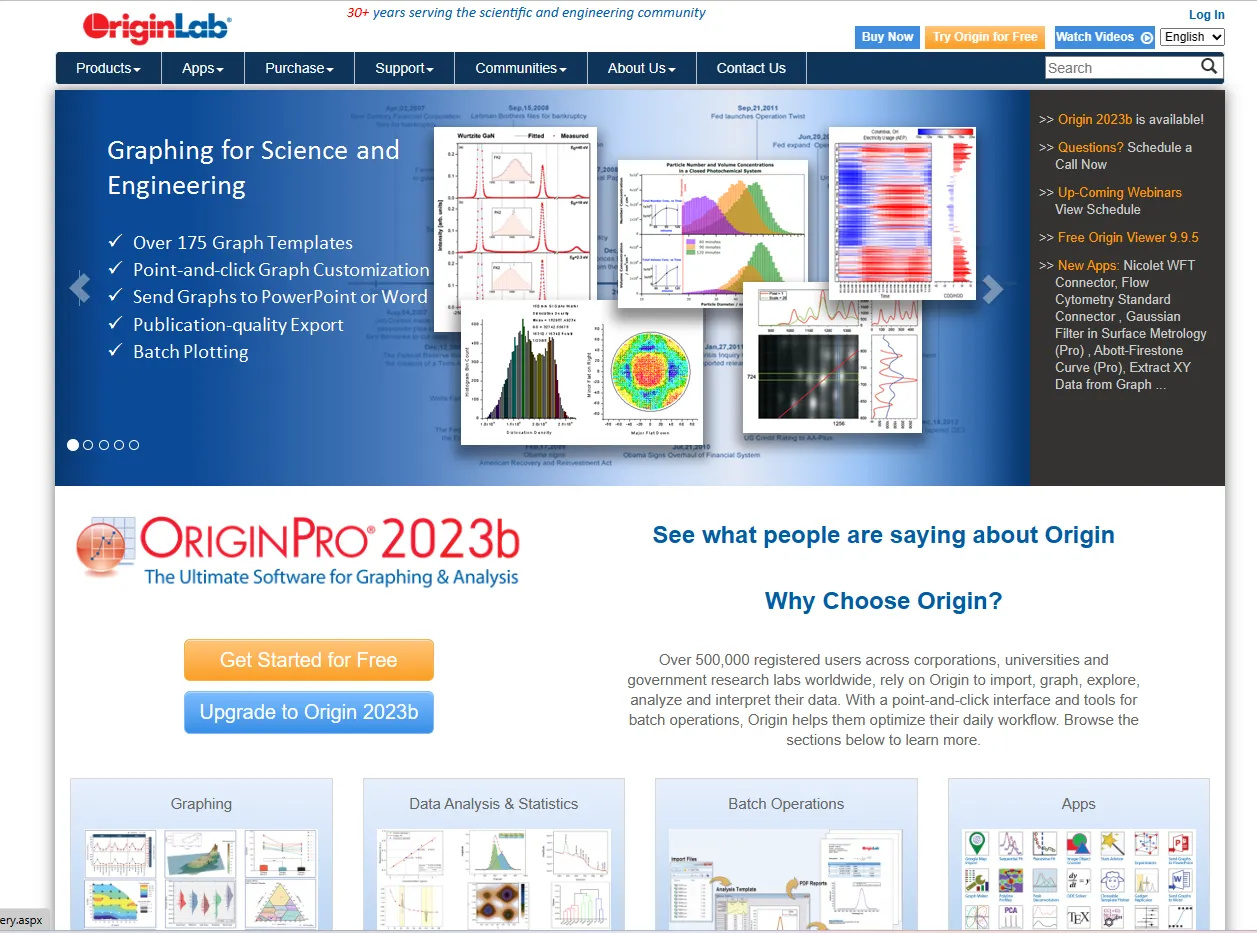
Step 1: Open the Origin official website
Open OriginLab Corporation'sOfficial website。
Step 2: Select educational authorization
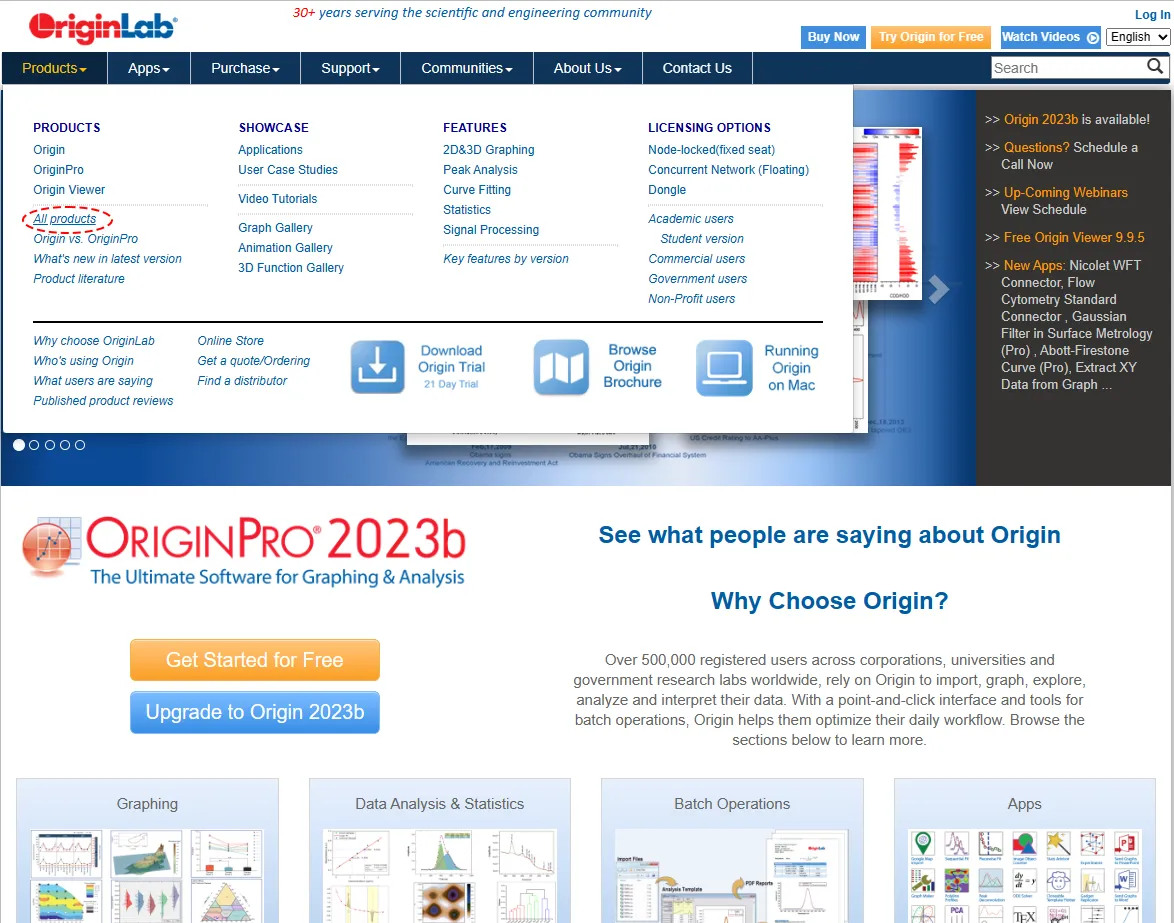
In the navigation bar at the top of the page, find and click the ”Products” menu, then select ”All products”.
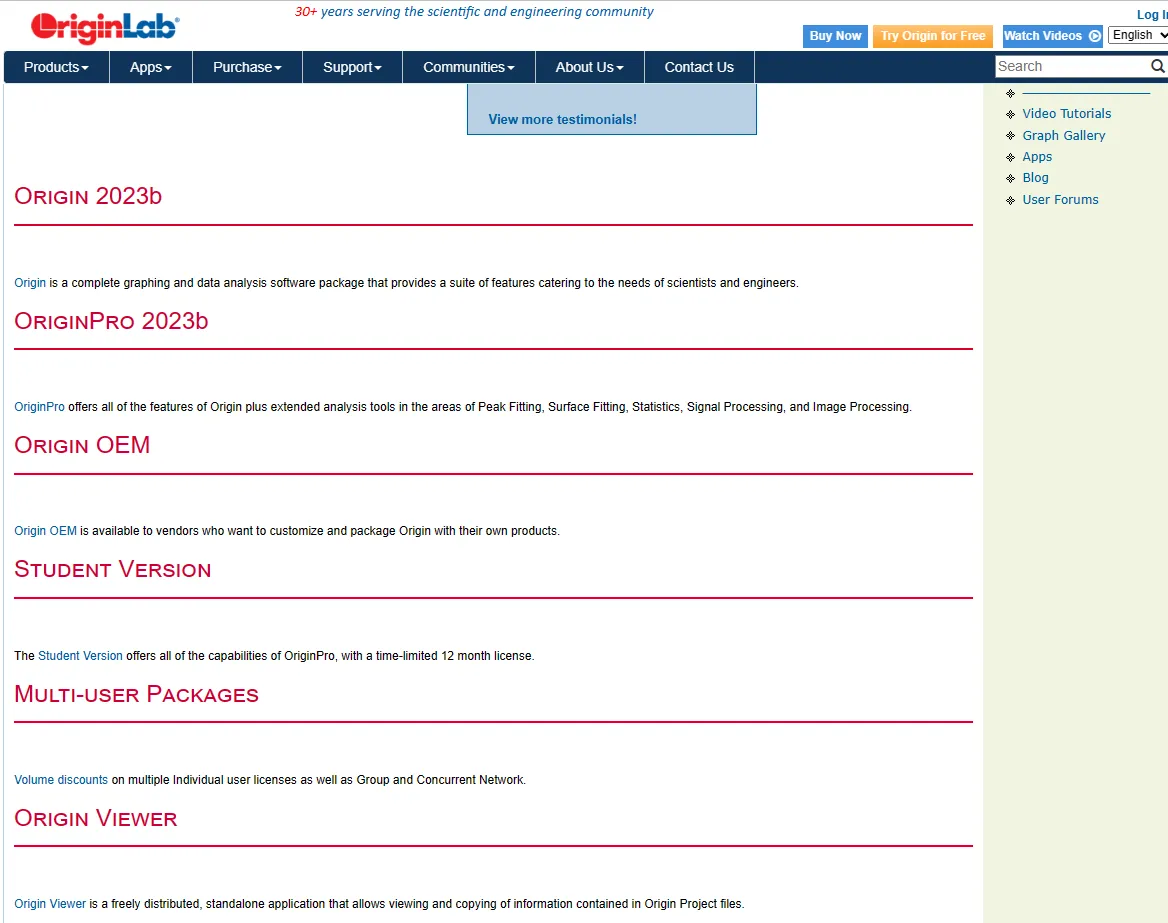
Scroll down and click ”Student Version”.
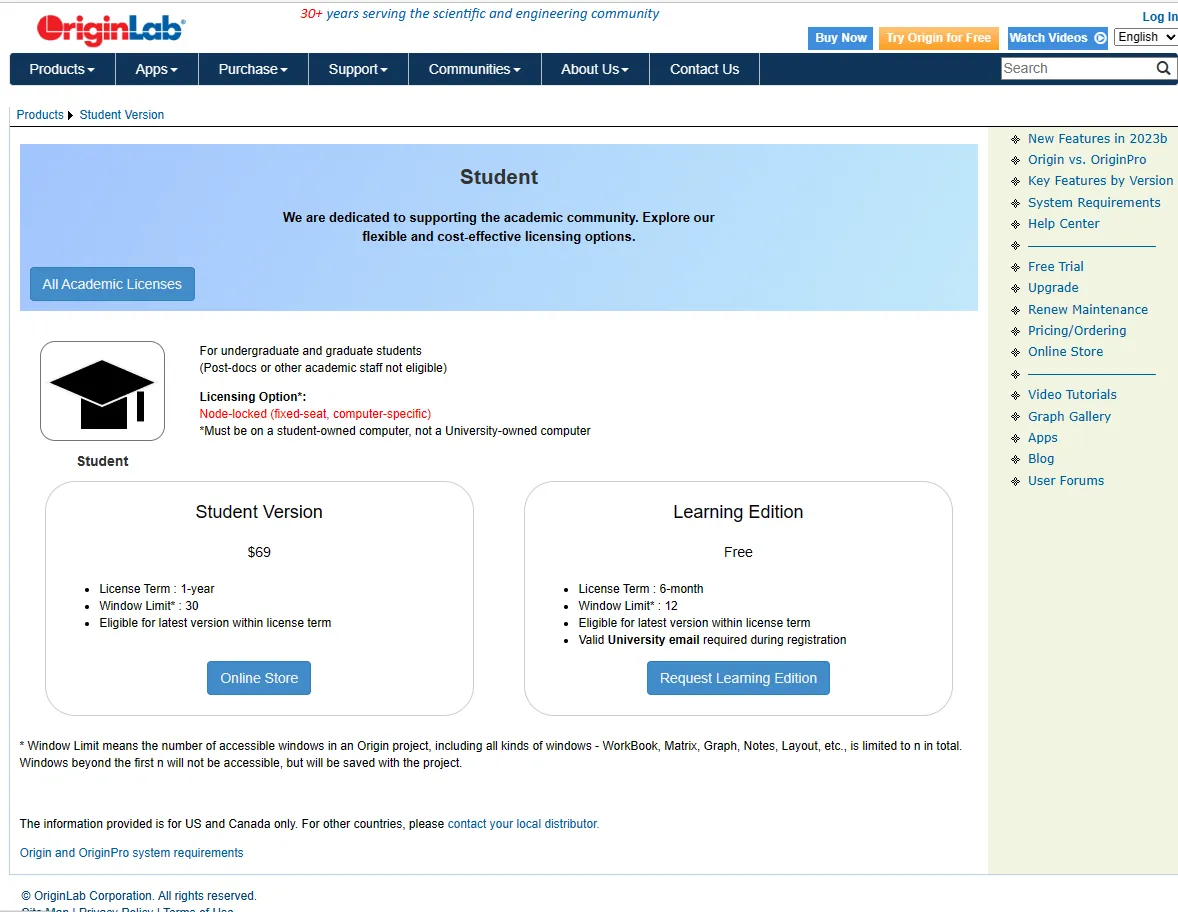
Select ”Request Learning Edition” under ”Learning Edition”. Note that the license period for this free version is only 6 months, but after the license expires, you can reapply and continue using it.
Step 3: Fill out the application form
On the educational authorization page, you will find an application form. In this form, fill in your detailed information, including your name, contact information, educational email address, school information, etc.
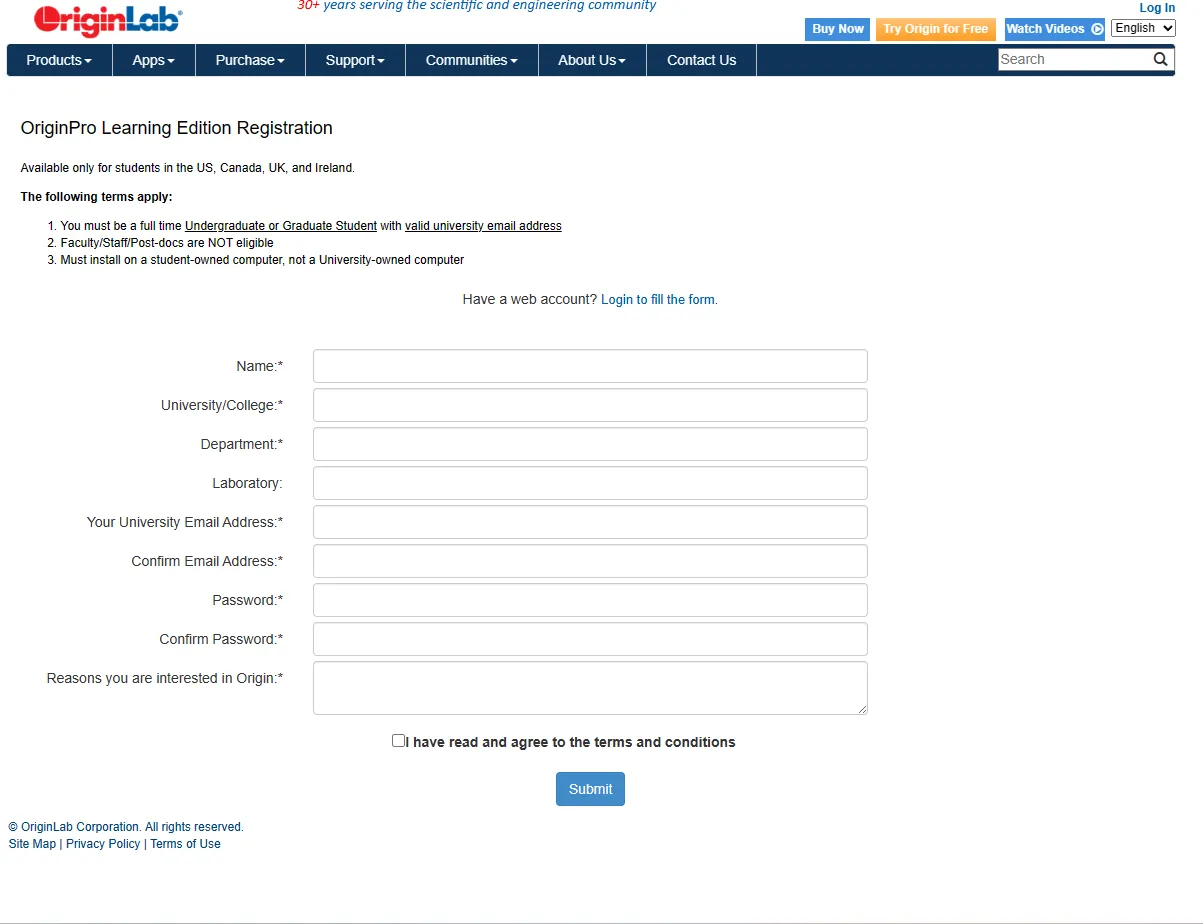
Step 4: Submit application
Check that the information you entered is accurate, then click the ”Submit” button to submit your application.
Step 5: Confirm email
OriginLab will send a confirmation email to your educational email address. Open this email and follow the instructions in it to complete your application.
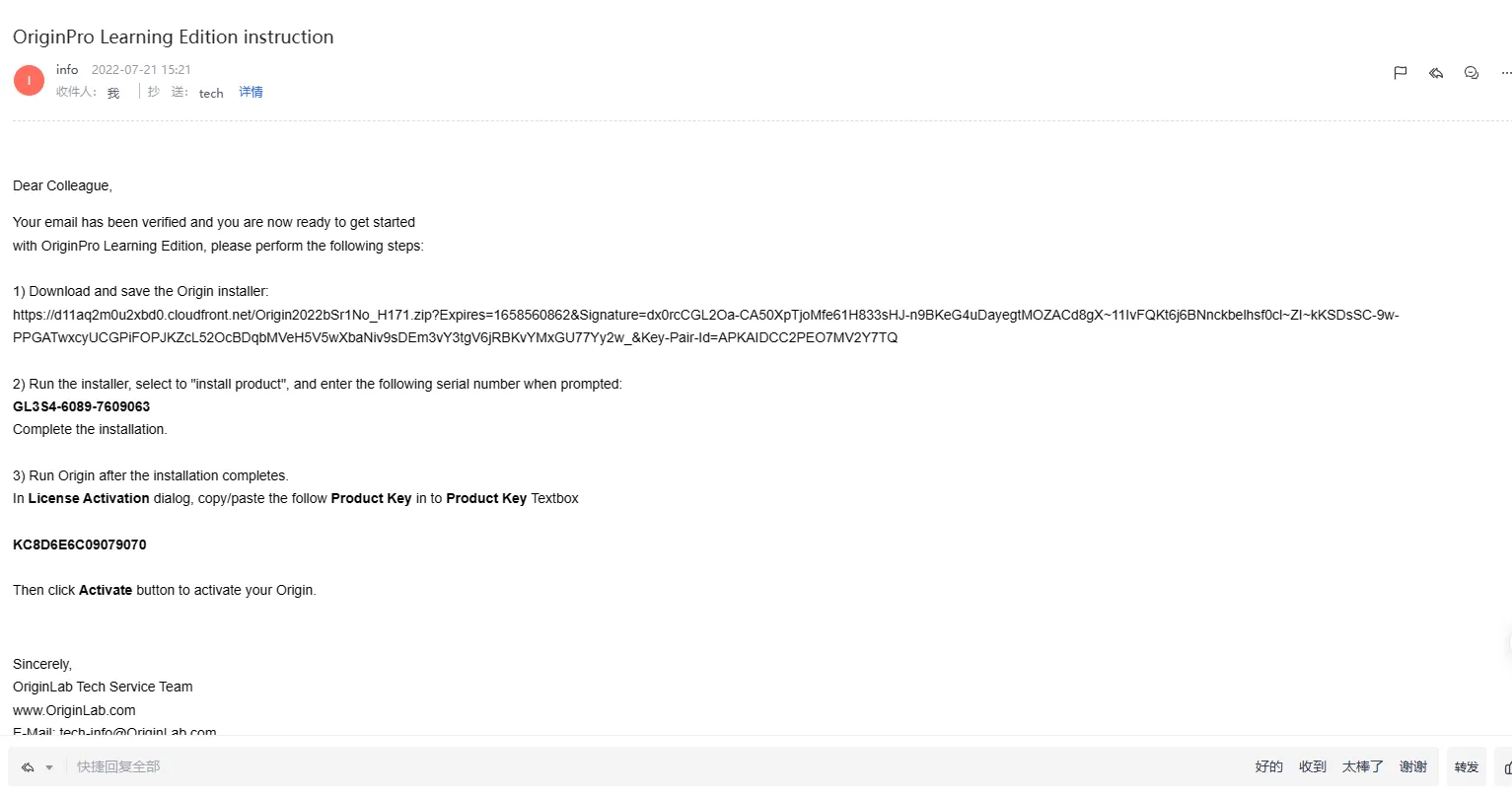
Step 6: Download and install
After your application is accepted, you will receive an email containing a download link and an activation code. Click the download link to download the Origin software, and use the activation code to install and activate it. Just follow the instructions for the installation method.
Notes
- Origin's educational license is only open to teachers and students, and requires an educational email address to apply.
- The application process may take a few business days to process, so please submit your application as early as possible.
- Origin's educational license has a 6-month validity period, and you need to renew your license periodically. The license is renewed using the same method. Note that you need to apply for renewal only after it has completely expired. ClickRenew the expiration dateGet updates.