OpenMD Installation and Getting Started

Getting Started with OpenMD: How Much Effort a Local Markdown Editor Can Save You
This is a tutorial for people who are writing their graduation thesis or journal article and want to get rid of the pain of Word formatting.
Suitable for: Graduate students and researchers whose documents are getting longer and longer, with more and more images, and who need to re-format the entire text every time they change the figure numbers; and those who want to use Markdown. writingBut for those who don't want to deal with complicated configurations.
As documents grow longer, Word encounters a host of problems. Styles, numbering, and cross-references are all tied to the same object; changing one figure number affects all subsequent figure numbers, and inserting a single figure alters the layout of the preceding pages. These issues are tolerable for documents under thirty pages, but when writing a thesis, they significantly delay progress.
The approach to plain text writing is exactly the opposite. The main body is a... .md The files and images are independent files within the folder; their numbering and formatting are handled by the conversion script. When writing, only the text is processed; formatting is left as the final step.
OpenMD is responsible for “reading” and “editing” in this writing process; it is a Markdown reader designed for reading.
OpenMD
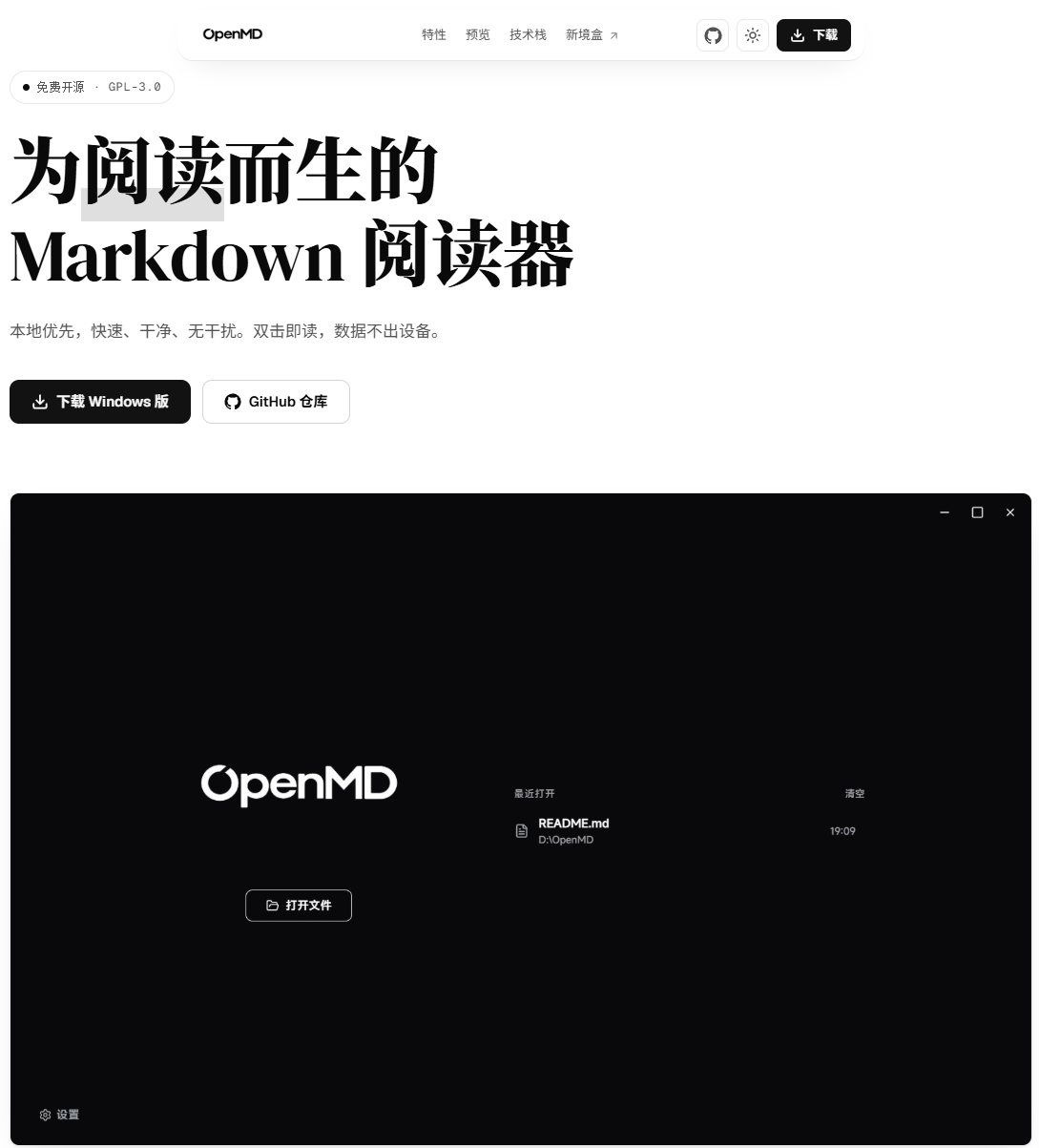
OpenMD, short for OpenMarkdown, is a native Markdown editor. The official description states it's based on Rust, has a small installation package, no loading page, and a median cold start time of less than 1 second.
OpenMD is free, requires no account registration, and does not require online verification. Notes are stored on the disk. .md The file can be opened with Notepad and will not be locked into any software's database.
| It can do | It cannot do |
|---|---|
Open any folder and edit directly. .md | Export PDFThere is no export button when exporting to Word. |
| Real-timerenderFormulas, tables, Mermaid, hint blocks | Cloud synchronization, mobile devices, and simultaneous editing by multiple users |
The image was dragged in and dropped to... attachments/ | Plugin marketplace, Zotero integration, automatic drawing number |
| Free, no account required, purely local | The Windows version does not have an AI sidebar, and it does not have... openmd Order |
On Windows, it's a fast and clean Markdown editor.
When placed alongside several common tools, the differences become even clearer.
| Tools | position | Who is it suitable for? |
|---|---|---|
| OpenMD | Local editor, fast rendering | I modify the same batch of Markdown files every day, just open them and start writing. |
| Typora | What you see is what you get, export complete | People who need to generate PDFs and Word documents |
| Obsidian | Knowledge base, dual-chain, and plugin ecosystem | People who build long-term note-taking systems |
| VS Code | In an IDE, Markdown is the preview panel. | People who are already writing code |
Tip: The main goal is to “export the completed work directly as a PDF for submission,” so installing Typora makes it easier. OpenMD excels in its fast opening and editing capabilities, not in exporting.
Suitable for
OpenMD is a local-first Markdown reader—built for reading, fast, clean, and uninterrupted. It's suitable for users who prefer lightweight Markdown usage, wanting to see the text as soon as they open it, edit it, and close it without installing plugins or building a system.
Installation and use of OpenMD
download
The installation package can be found on the official website.Download page The downloads mainly consist of 64-bit Windows executables (.exe). Direct connections to GitHub from within China often fail; there's a link to a mainland China mirror at the bottom of the page, which is faster.
Install
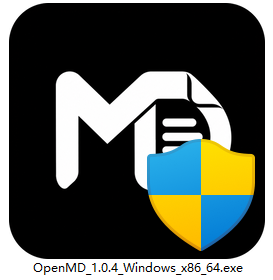
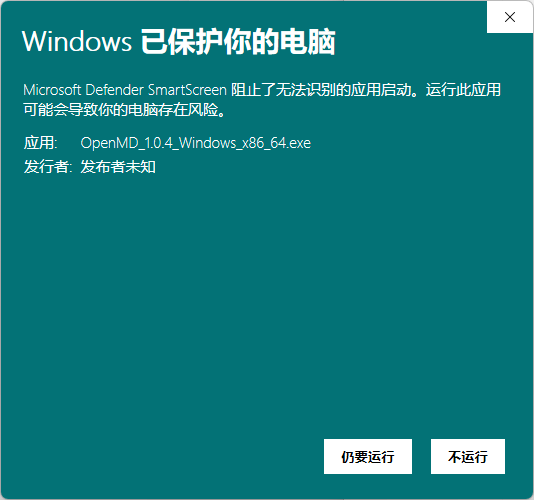
Double-click the installer. A blue window may pop up, reminding you that “Windows has protected your PC.” This is most likely not a virus warning; standalone software without a code signing certificate will trigger this warning from Microsoft for all unsigned EXE files. Click “More information,” then click “Run anyway.”
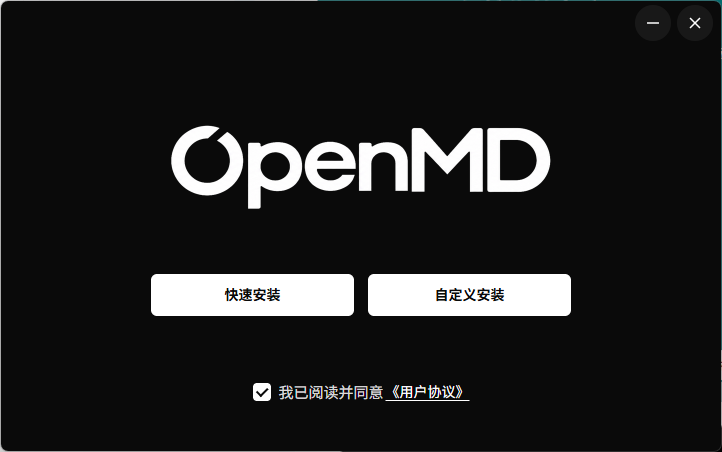
Choose an installation method; custom installation is recommended.
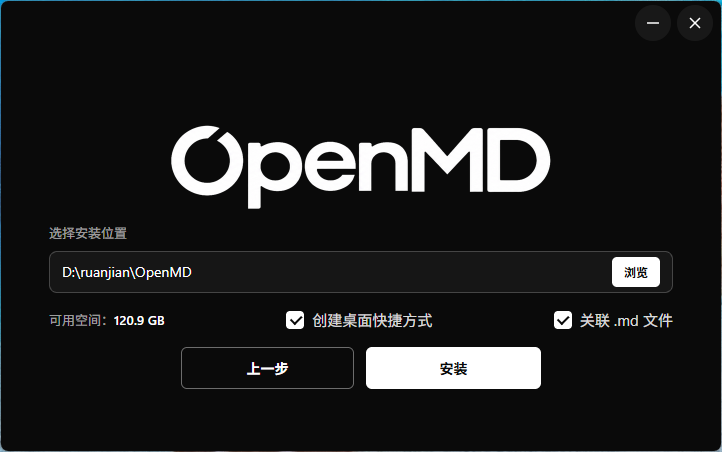
Choose a suitable installation location, preferably outside of the C drive, and click Start Installation.
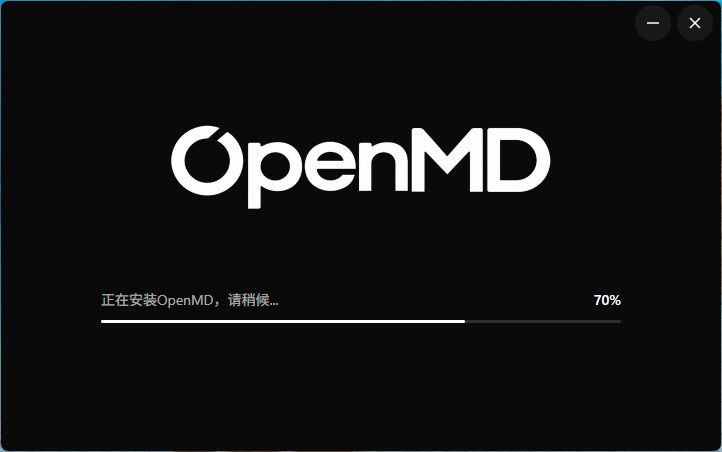
Wait a while for the installation to complete.
Create folder
OpenMD has no libraries or databases; it only recognizes folders. Your folder structure is your directory structure, and it's worth defining it correctly the first time.
Notes scattered across your desktop, download directory, and WeChat folder, becoming unavailable three months later – this is the most common reason a Markdown editor crashes. Create a master directory for each project:
paper-2026/ ├─ drafts/ Main text, one md per chapter ├─ figs/ OriginOriginal figures exported by AI ├─ refs/ refs.bib, Journal template template.docx └─ notes/ Experimental records, Group meeting minutes
Ctrl+Shift+O Open this folder; it will appear as a workspace in the sidebar, and files will not be copied or imported.
Ctrl+T Newly created notes are not in the current folder; they are saved in the drafts folder by default. C:\UseRSOpenMarkdownThe filename should be the current date. Date-based naming is suitable for short, chronological accounts, but not for academic papers. The main text should be written in... drafts/ Right-click and select "New note," then name it as you like. methods.md。
A file's folder affiliation is determined by the file itself; this is referred to as "Home" in the documentation. The order is: opened folders, then Git repositories, and finally the file's current directory. This can be switched via the top sidebar. The file tree follows the disk; renaming and deleting files doesn't require a refresh, and deleted files are sent to the recycle bin.
Two views and keyboard shortcuts
There's a button at the top of the window; clicking it changes the view, with three different views available in a loop.
| view | What did you see? | Can it be edited? |
|---|---|---|
| Live Preview | The rendered result; the cursor stops on that line to return to the source code. | 能 |
| Source code | All tags are visible, font size is uniform, and code is color-coded. | 能 |
Each tab records its own view. Real-time preview is used for writing the main text, source code is used to check table vertical lines and copy plain text to the submission system, and a reading tool is used to find logical breakpoints.
Ctrl+P Open the panel. (Open) @ List headings, type > Change the command; if you don't type anything, it will show the most recent file.Ctrl+Shift+P Enter the command directly.
Ctrl+Shift+O Open the folder.Ctrl+O Open a single file.
Ctrl+F The function searches and displays the number of matches, is case-sensitive, and does not support regular expressions or full word matching.Ctrl+B、Ctrl+I Bold italic,Ctrl+E Inline code,Ctrl+/ Shortcut key table.
If there are many headings, the sidebar outline will list all of them. There is a faint outline on the left side of the body text, which is on by default. If you find it annoying, you can turn off the margin outline in the settings.
Code blocks are enclosed in three backticks, and the closing margin is automatically added. There's a copy button in the upper right corner. Writing YAML at the beginning of the file will render it as a clickable property sheet. Both headings and lists can be collapsed; collapsing only affects the display.
Frequently Asked Questions
Q1: Why can't I find the AI sidebar after installation? There is no Windows version. Side Terminal and MCP are only available on macOS and Linux; the Agent setting shows “Coming Soon.” (See the documentation.) openmd status The command doesn't work on Windows either.
Q2: Why can't I edit the text when I switch to reading mode? By design, reading mode only allows clicking checkboxes. Click the top button to switch back to live preview.
Q3: Why is there no response when switching to the Chinese interface? The key is to select "Relaunch" in the settings panel. You can skip this step; the changes will take effect on the next launch.
Q4: Can the figure captions be automatically numbered? No. Converting figure captions to docx format only creates regular paragraphs. To add numbering, use pandoc-crossref, or apply the style in Word after conversion.
Q5: Have all the images become links? The image is not in the notes directory or subdirectory. Move it to... attachments/ Alternatively, you can change the link back to a relative path.
Conclusion
Not everyone needs to switch writing tools. If the draft is short, has few pictures, and the tutor is directly editing it in Word, it's more convenient to keep it in Word.
It's worthwhile to change the document when it exceeds thirty pages and has more than twenty figures. Changing the numbering requires checking the entire text, and several such drafts are written every year. This is where the advantage of plain text becomes apparent: changing a single sentence costs only one second, and once finalized, it can be converted to docx with a single command.
OpenMD is fast, clean, and distraction-free. Every capability of it is refined around real-world reading scenarios, making it a cutting-edge research tool for text writing!